Networking
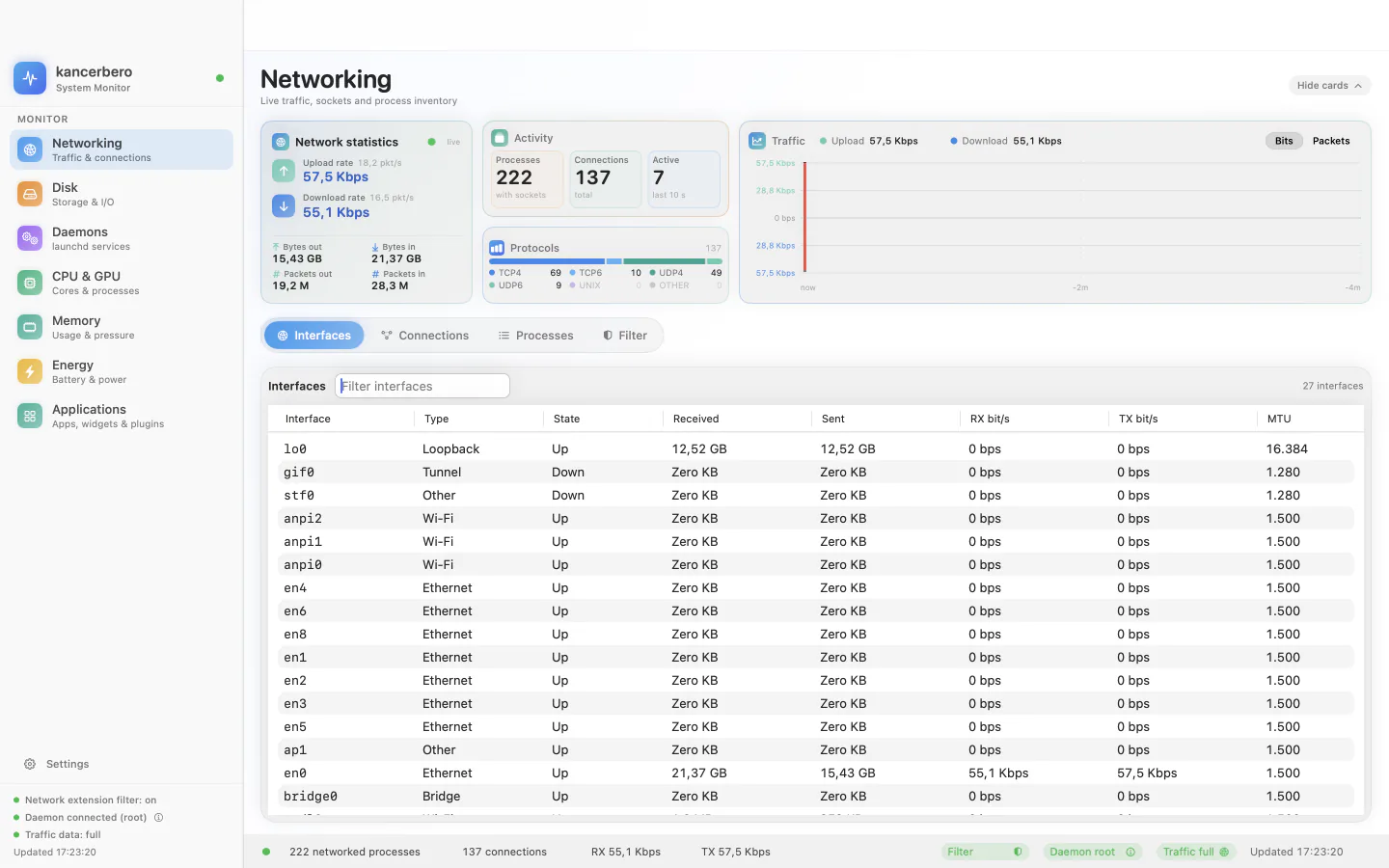
Per-process traffic from NetworkStatistics, connections and sockets, protocol breakdown, interface counters and a 120-sample mirrored graph. Sort, filter and inspect any process.
System monitor for macOS
Every byte, every process, every disk sector — in one native window. A fast, private, beautifully native system monitor for macOS.
Overview
Kancerbero is the system monitor your Mac deserves: the depth of Activity Monitor, the clarity of a modern dashboard, and a set of tools Apple never bundled — all in one native SwiftUI app. Watch which app is really using the network, map every folder on your disk, control launchd services without opening Terminal, and decide which connections are allowed to leave your Mac.
No accounts. No analytics. No cloud. Kancerbero reads what macOS exposes locally and keeps it there.
Features
Networking, disks, launchd, CPU and GPU, memory, energy, applications, the network filter, live Dock icons and the power-user layer — one native window.
Per-process traffic from NetworkStatistics, connections and sockets, protocol breakdown, interface counters and a 120-sample mirrored graph. Sort, filter and inspect any process.
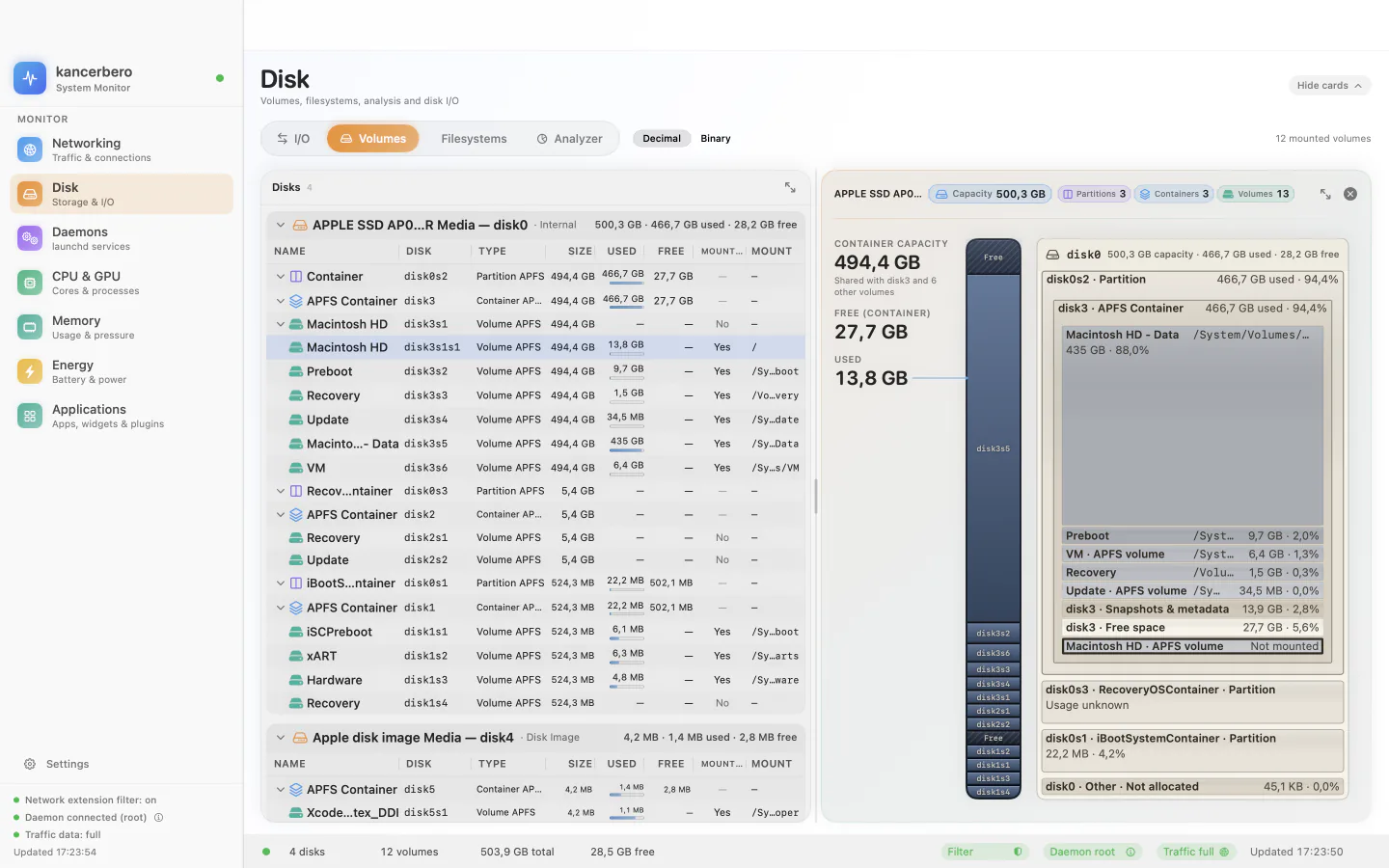
Native APFS hierarchy with a treemap and a capacity rail, filesystems table, and a getattrlistbulk analyzer with a radial map and largest-files list.
Every launchd agent and daemon, including runtime jobs. Filter by type, scope, origin and state; inspect its plist, program, arguments and environment.
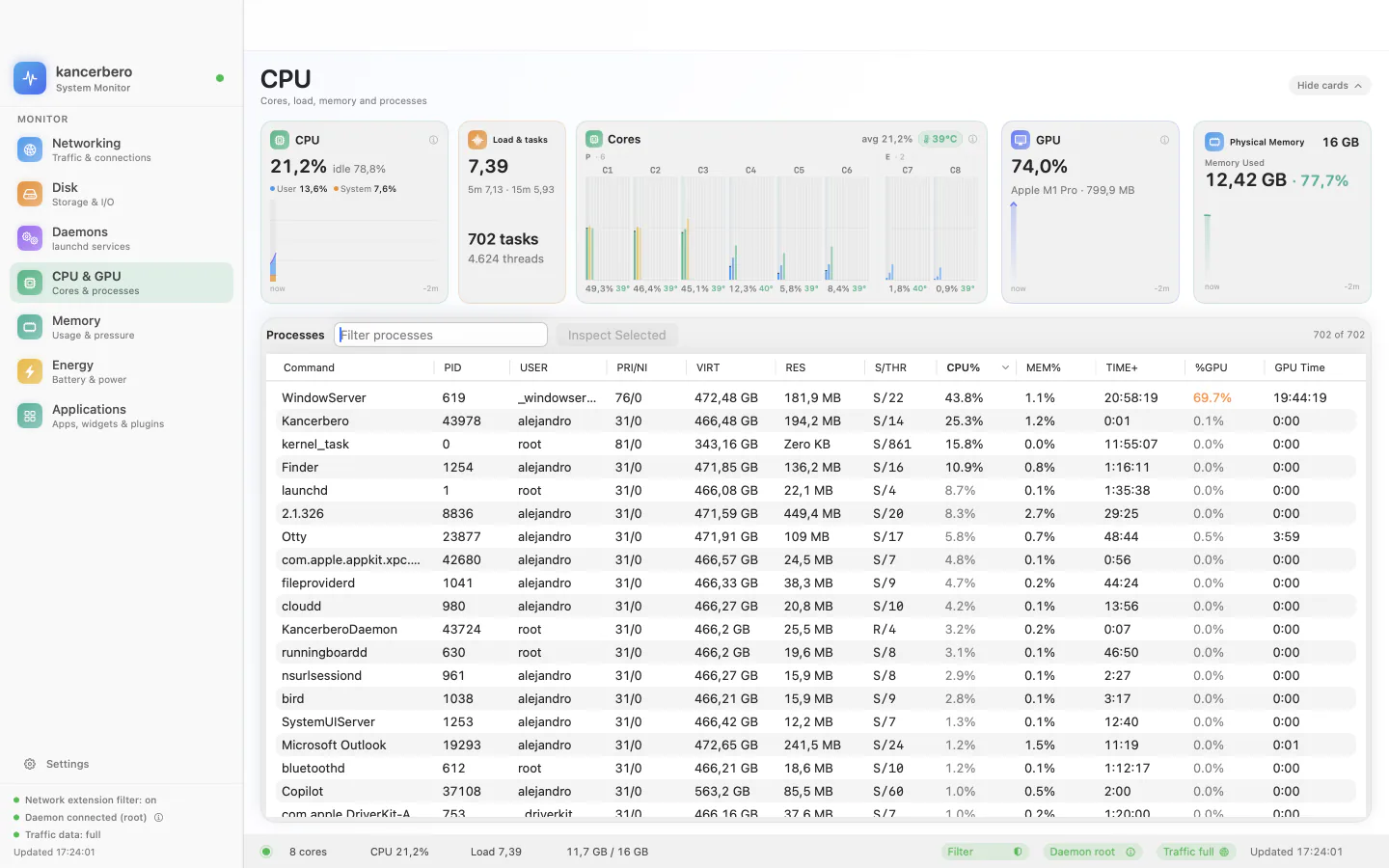
Per-core load and temperature, package temperature, load average, tasks and threads, and a sortable process table with %GPU and GPU time.
Memory pressure with history, composition (app, wired, compressed, cached, free), swap, and the top processes by resident memory.
Battery state and 12-hour charge graph, per-process watts, impact, wake-ups and “Preventing Sleep” status.
Installed apps, widgets and plugins, with their related containers, caches and leftovers — ready to review before removing.
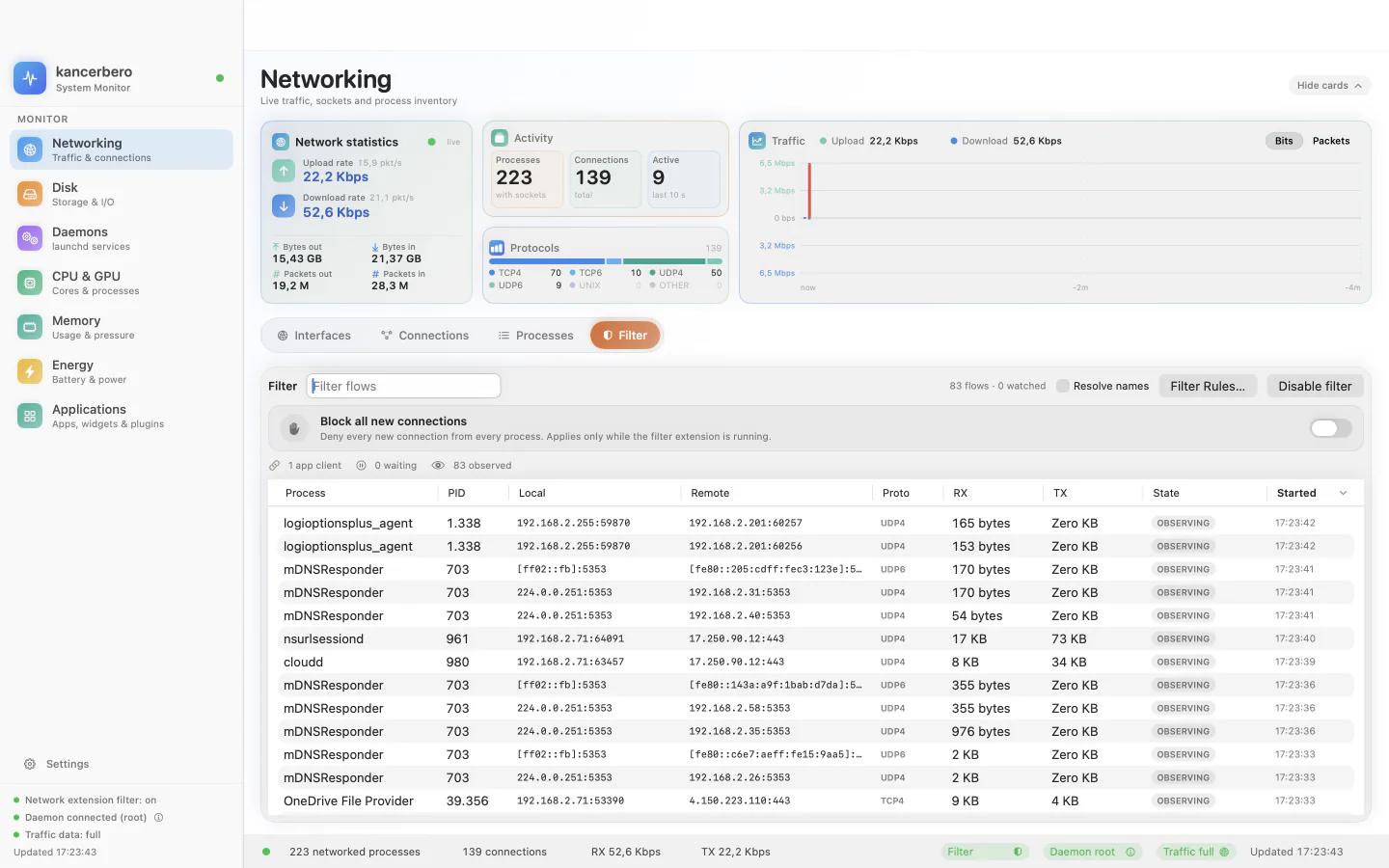
See every flow the system extension observes. Watch a process and approve or deny each new connection, once or remembered per app or app + destination.
Nine live Dock icon styles: CPU history, network, disk, memory pressure, GPU, energy and more. The window can be closed; the icon keeps working.
Keyboard shortcuts for every section, collapsible cards, resizable table layouts and a contextual status bar that explains the numbers.
Under the hood
Kancerbero is not a wrapper around shell commands. It reads the same system sources as Activity Monitor and adds a network filter that fails closed.
NetworkStatistics.framework, disk data from IOKit and DiskArbitration, process data from libproc, temperatures from IOHID and GPU usage from IOAccelerator. The main views read those sources directly instead of shelling out; the process inspector keeps an lsof fallback.NSDockTile — small, fast and at home on macOS.docs/.Editions
Kancerbero is coming to the Mac App Store. The App Store edition is sandboxed, as Apple requires; the direct download is the full edition.
| Capability | Mac App Store Coming soon | Direct download Full edition |
|---|---|---|
| Networking, CPU & GPU, memory, energy, daemons and applications dashboards | Included | Included |
| Network filter with per-app approvals and remembered rules | Included | Included |
| Disk analyzer | Folders you choose | Any folder or volume |
| Root background helper for all users, privileged cleanup and system services | Not available | Included |
| Mount, unmount and eject volumes | Not available | Included |
| Updates | Mac App Store | Signed Sparkle feed |
Power users: choose the direct download. The App Store edition shows a clear notice wherever the sandbox prevents an action, with a link to the full version.
Screenshots
Get started
Kancerbero runs on macOS 14 Sonoma or later on Apple silicon. The network filter requires macOS 15.6 or later.
macOS 14 Sonoma or later on Apple silicon. Full cross-user process and socket views need the optional signed root helper, and building from source requires Xcode.
Get the signed and notarized build from the latest release, drag Kancerbero to /Applications and launch it. Updates are delivered by Sparkle and verified with EdDSA signatures.
The system extension requires macOS 15.6 or later, a notarized build in /Applications, and your approval in System Settings → General → Login Items & Extensions.
Open source
Local-first by design, Apache-2.0 by license.
No accounts, analytics, telemetry or cloud. Data is collected on-device and kept in memory. The only outbound request is the signed Sparkle update check, plus the reverse-DNS lookups you enable and the filter’s local Mach service. Read the privacy policy.
Issues and pull requests are welcome. Keep the project native, dependency-light and privacy-first, and run ./scripts/build.sh and ./scripts/verify.sh before opening a PR. Visit the repository.
Kancerbero is open source, with the reverse-engineering evidence and the architecture documented in docs/. Read the license.